
How to Work with the License Manager
This course covers the processes needed to efficiently handle your COMSOL Multiphysics® licenses with the FlexNet® license manager. We will look at ways to control the usage of different modules, handle idle sessions, and monitor current usage.
Note: The administrative processes are demonstrated with floating network licenses (FNLs). However, the processes in this course also apply to class kit licenses (CKLs), COMSOL Server™ licenses (CSLs), and academic server licenses (ASLs).
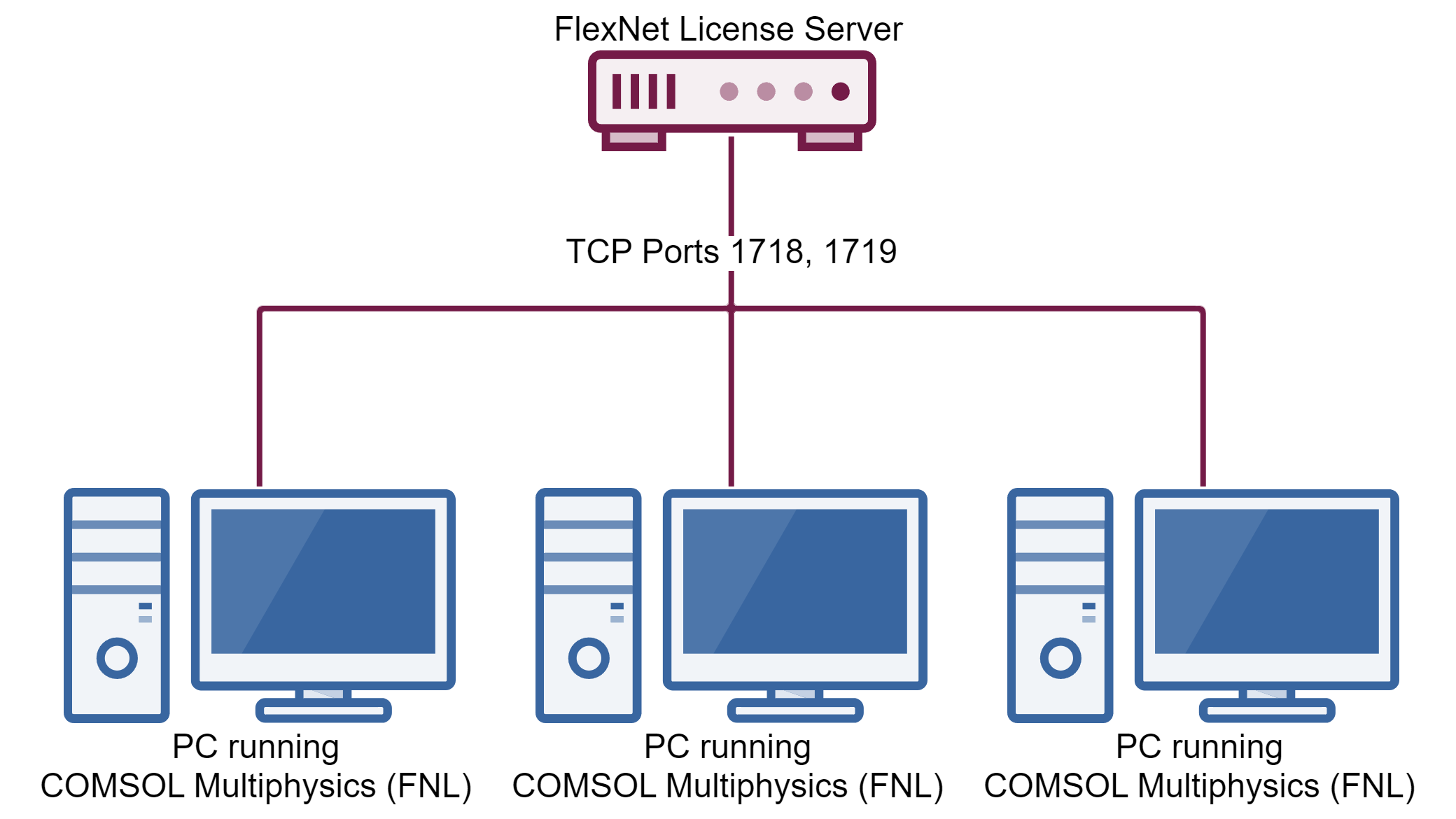 A diagram of PC's connected to a FlexNet license server with FNLs.
A diagram of an example network where COMSOL Multiphysics® is used.
A diagram of PC's connected to a FlexNet license server with FNLs.
A diagram of an example network where COMSOL Multiphysics® is used.
The following topics will be covered in each part:
Part 1: How to Host Multiple Licenses on One License Manager
- Example of multiple license files
- Merging these license files
- Using the new combined license file
Part 2: How to Administer Optimal COMSOL® License Access with an Options File
- Administering a single license
- Administering multiple licenses
Part 3: How to Manage Idle Sessions
- Setting a license timeout
- What happens when a timed-out user returns
Part 4: How to Monitor COMSOL® License Usage
- Monitor usage on Windows®
- Monitor usage on Linux®
- Monitor usage on macOS
Submit feedback about this page or contact support here.


